
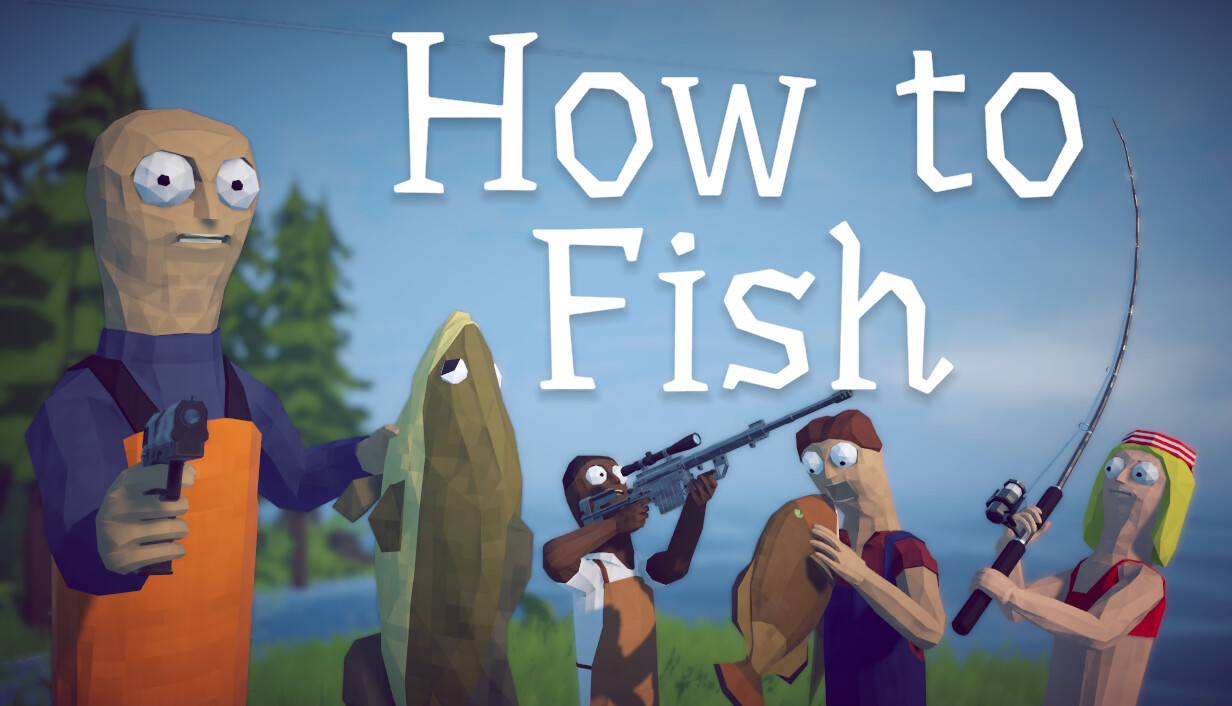
How to Fish supports up to eight players in an online lobby. You can host a public session or use the private-lobby option added in Patch 1.0.5 for invite-only play. Steam lists Single-player and Online Co-op, but not shared-screen or split-screen co-op.
Current multiplayer facts
| Question | Current answer | Official evidence |
|---|---|---|
| Maximum lobby size | Up to 8 players | Patch 1.0.4 |
| Can I play alone? | Yes | Single-player Steam feature |
| Online co-op? | Yes | Steam feature list |
| Private lobby? | Yes, invite-only | Patch 1.0.5 |
| Why does the description say 1-4? | It predates the 1.0.4 lobby increase | Store description versus newer patch |
| Local split-screen? | Not listed | No official claim on the store page |
Why some pages still say four players
Launch copy
The official store description still says 1-4 players. That was accurate before the later patch.
Newer patch note
Patch 1.0.4 explicitly says support was added for up to eight-player lobbies.
Current answer
Use eight as the present lobby ceiling, while recognizing that a future patch can change it again.
No couch claim
Online Co-op does not prove split-screen. Steam does not currently list a local co-op feature.
Before building a larger lobby
- Make sure every player has the same current game version before joining.
- Use the private-lobby option when you want an invite-only session; changing session type in-game requires a restart.
- Remember that the official minimum requirements include a broadband internet connection.
- If the Steam relay text turns red in the main menu, use the Patch 1.0.9 diagnostic guidance before changing save data.
- Do not treat the eight-player cap as evidence of console crossplay; future console versions are planned, but crossplay is not confirmed.
What the multiplayer patches changed
| Patch item | Official wording summarized | Practical meaning |
|---|---|---|
| Lobby size | Support for up to 8 players | More than the launch description's four |
| Private sessions | Invite-only lobby option | Added in Patch 1.0.5 |
| Session type | Can be changed in server settings | Restart required after changing |
| Connection check | Steam relay diagnostic in the main menu | Added in Patch 1.0.9 |
| Connection window | More time allowed to connect | Patch 1.0.10 says this should reduce instant disconnects |
| Join black screen | Hopefully fixed | Update first, but do not assume every case is solved |
| Revive text | Permanent revive text fixed | Addresses a multiplayer UI state |
| Server names | Special characters blocked because they broke save files | Use ordinary server names |
Frequently asked questions
How many people can play How to Fish?
Official Patch 1.0.4 supports lobbies of up to eight players.
Why does Steam say How to Fish is 1-4 players?
That text is the launch description. The newer official patch raised lobby support to eight.
Can I play How to Fish solo?
Yes. Steam lists Single-player as well as Online Co-op.
Does How to Fish have split-screen?
Steam does not currently list shared-screen or local co-op, so there is no official basis to claim split-screen support.
Can I make a private How to Fish lobby?
Yes. Patch 1.0.5 added a private lobby that is joinable only through an invite.
Does eight-player support mean crossplay?
No. The patch changes Steam lobby size. The developer plans future console versions, but has not announced cross-platform play.
Sources
What this answer is based on
Official Steam material comes first. Community findings are labeled as player-reported and never passed off as developer documentation.
- Official How to Fish Patch 1.0.4 notes Adds support for lobbies of up to eight players and reports an attempted fix for the join-lobby black screen.
- Official How to Fish Patch 1.0.5 notes Adds invite-only private lobbies and an in-game session-type setting that takes effect after a restart.
- Official How to Fish Patch 1.0.9 notes Adds Easy and Hard difficulty choices plus a Steam connection diagnostic in the main menu.
- Official How to Fish Patch 1.0.10 notes Extends connection time and adds more loading and lobby fixes, while using cautious rather than guaranteed language.
- Official How to Fish Steam store page Developer-supplied release, feature, platform, language and PC system-requirement information.
- Steam Support: games do not run after Preparing to Launch Steam's general Windows checklist covers OS and driver updates, file verification, conflicting software and system requirements.
Web evidence checked August 28, 2026. Source notes identify what was read and what remains unverified; this is not a gameplay test date. Controls and progression details may change.